
TimeCampus vs RescueTime
RescueTime shows you where your desktop time went. TimeCampus shows you where your whole day went — across every tool — and helps your team plan without surveillance.
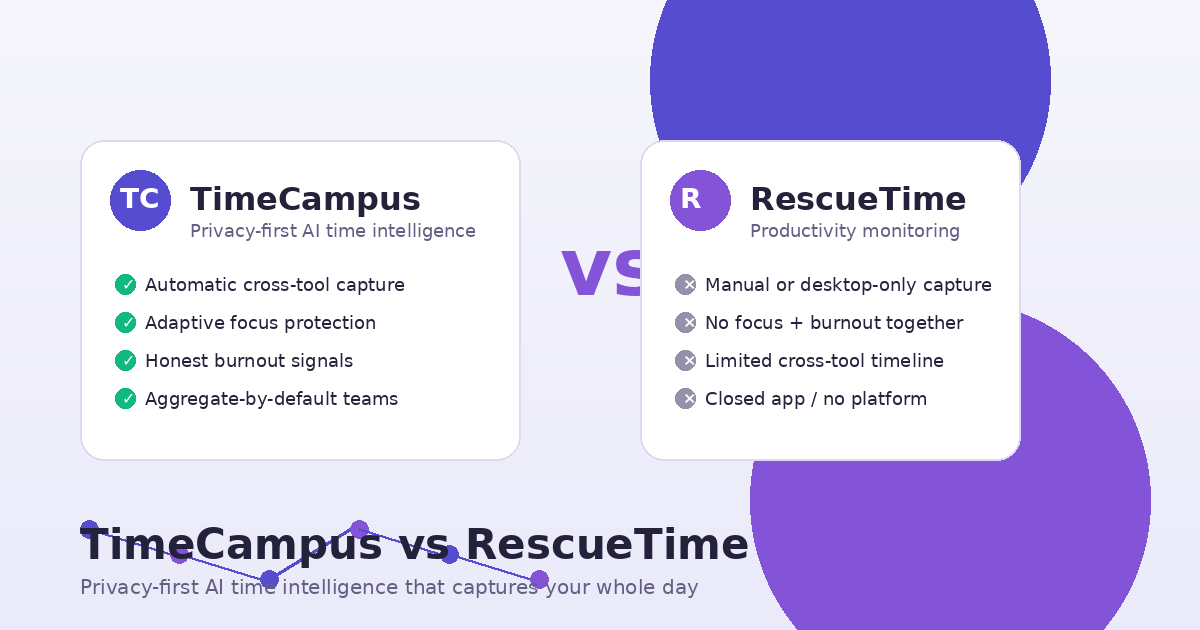
Feature comparison
Side-by-side capabilities, from how time is captured to how it is analyzed and optimized.
| Capability | TimeCampus | RescueTime | Edge |
|---|---|---|---|
| Automatic capture | Connected calendars, email tracking, and the capture API. Device capture depends on the release and device permissions. Browser, editor, and CLI capture are in rollout. | Desktop/Android; iOS Screen Time only | TimeCampus |
| Focus / distraction blocking | Adaptive focus blocks, plus site blocking in the Chrome extension and app blocking with Do Not Disturb in the desktop app during focus sessions | Focus Sessions + focus music | Competitor |
| Burnout signals | Recommendation nudges and work-pattern insights | Smart warnings / Daily Focus Coach | Competitor |
| Project & client hierarchy | Included | Team+ only | TimeCampus |
| Billing / invoicing | Native invoicing from billable time, plus expense approvals and client portals | Not offered | TimeCampus |
| Team planning | Aggregate capacity + resource planning | Limited team reports | TimeCampus |
| Mobile capture | Android and iOS builds target opt-in capture within platform permissions | Android full; iOS limited | TimeCampus |
| Developer platform | Capture API available. The CLI, Node.js SDK and MCP server are available on npm, and the Python SDK is available on PyPI. | API only | TimeCampus |
Pricing comparison
Both columns show current public list pricing. TimeCampus plans are published on our Pricing page.
| Aspect | TimeCampus | RescueTime |
|---|---|---|
| Free tier | Free plan — $0/mo, no card required | Lite plan (limited) |
| Individual focus plan | $99/mo flat Starter — sized to the team you manage, not billed per seat | $7/mo Solo Focus |
| Individual capture + timesheets | $99/mo flat Starter — sized to the team you manage, not billed per seat | $12/mo Solo+ |
| Team plan | $399/mo flat Growth — sized to the team you manage, not billed per seat | $16/user/mo Team+ |
Why TimeCampus wins vs RescueTime
Four structural advantages for teams that want automatic time intelligence without surveillance.
Cross-tool intelligence
RescueTime captures desktop apps and URLs. TimeCampus combines calendar events, email tracking and events submitted through the capture API. Device capture depends on the release and permissions.
Billing & project hierarchy
TimeCampus is built for freelancers and agencies. RescueTime has no native billing and limited project support.
Privacy-first team planning
Aggregate-by-default capacity and budgeting views give leaders insight without exposing individual activity.
Programmable platform
The capture API accepts events from custom tools. The CLI, Node.js SDK and MCP server are available on npm, and the Python SDK is available on PyPI.
Life-time intelligence, not just work hours
A built finite-life view — life-in-weeks, time-well-spent, dead-time radar, life goals, and values alignment — extends tracking beyond billable work. No time-tracking competitor offers this.
When RescueTime is the better fit
We are honest about where incumbents still lead. RescueTime may be a better choice if:
- You want a simple, affordable automatic tracker for desktop productivity.
- You need distracting desktop apps blocked system-wide, not just sites in the browser.
- You do not need project hierarchy, client billing, or team planning.
- You prefer a mature, lightweight tool from a long-standing vendor.
Ready to replace RescueTime?
Observe, analyze and optimize your time — privacy-first and AI native.