Which of the tools I already use can TimeCampus capture time from automatically?
TimeCampus is designed to capture activity automatically across your daily tools and devices so you do not have to remember start and stop timers.
About this answer — Produced by our own assistant on 23 September 2026 from our published documentation. The pages it drew on are linked under the answer. It is generated text, not a statement from a person — where it and a linked page disagree, the page is right.
Answer
TimeCampus[1] is designed to capture activity automatically across your daily tools and devices so you do not have to remember start and stop timers.
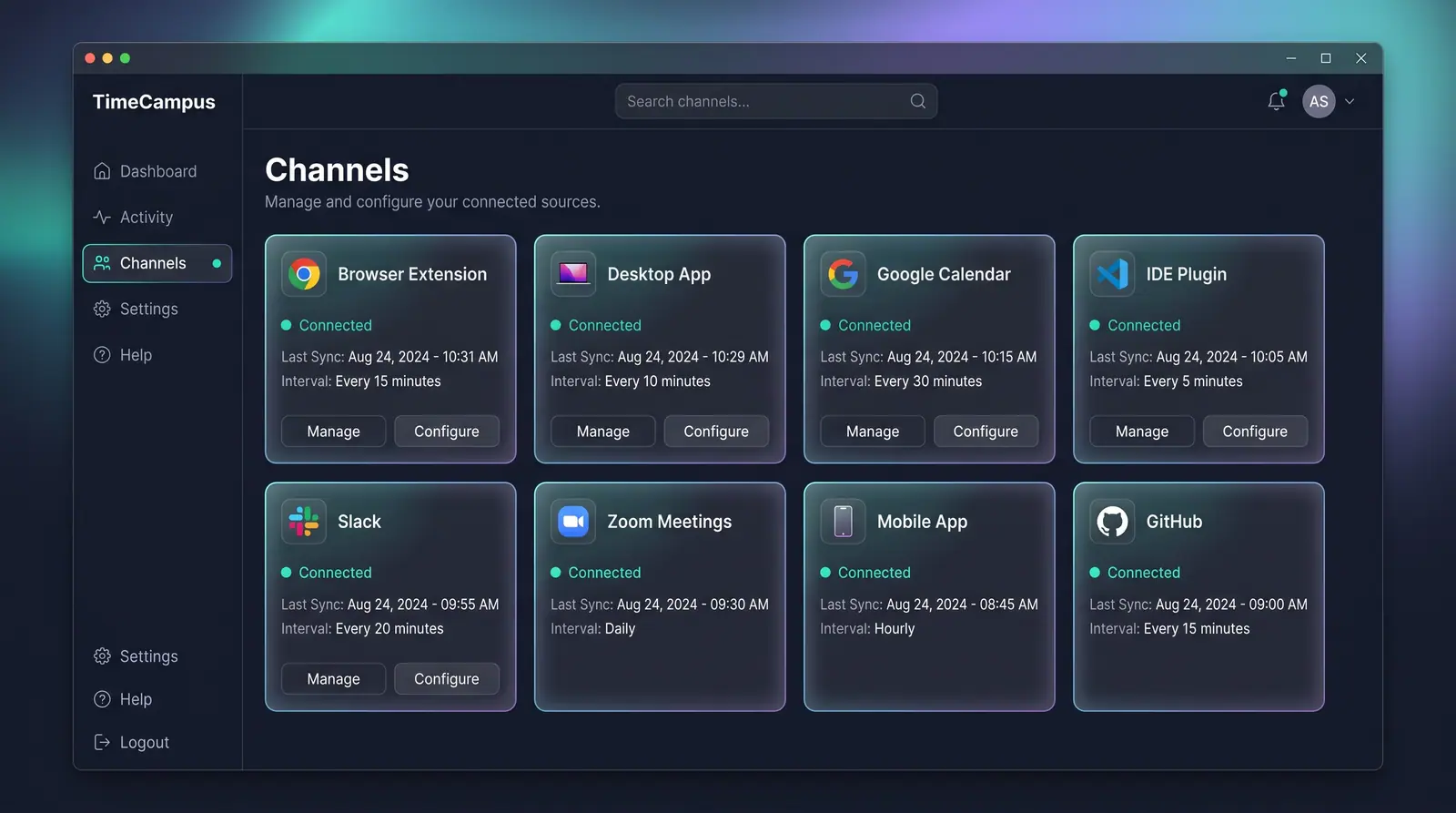
As shown in Automatic Capture Across Every Source[2], TimeCampus connects to several native channels and software categories:
 (opens in a new tab)
Illustration of the concept, not a screenshot of the actual product — Automatic Capture Across Every Source[2]
(opens in a new tab)
Illustration of the concept, not a screenshot of the actual product — Automatic Capture Across Every Source[2]
- Calendars & Video Meetings: Syncs with Google Calendar and Zoom Meetings to log scheduled calls, standups, and meetings.
- Communication & Email: Captures team interactions in Slack and breaks down Email inbox time by audience (such as clients, internal team, and admin).
- Development & Code Hosts: Connects to your code editor via an IDE plugin and tracks repository activity through GitHub.
- Browsers & Desktop Applications: Logs active web tasks via a Browser Extension and monitors software usage across macOS and Windows using the Desktop App.
- Mobile Devices: Records usage history on Android (opt-in OS-level tracking) and foreground/background app activity on iOS.
- Location & Sites: Tracks arrival and departure triggers at offices, project sites, or client hubs via encrypted Geofencing.
- Custom Tools: Ingests activity from custom workflows, docs, and project management tools via the TimeCampus CLI, SDKs, MCP, and open capture API.
All captured activities flow directly into the Self-Assembling Timeline[3], organizing your day into deep work, meetings, communication, and breaks.
Learn more on the Automatic Time Capture use-case page[4] or check TimeCampus Pricing[5] to see available plans.
Sources
The pages this answer was drawn from.
- Privacy-First AI Time Intelligence Platform | TimeCampustimecampus.com(opens in a new tab)
- Automatic Capture Across Every Source — Concept | TimeCampustimecampus.com(opens in a new tab)
- The Self-Assembling Timeline — Concept | TimeCampustimecampus.com(opens in a new tab)
- See where your day actually went — without a single timer — Use Cases | TimeCampustimecampus.com(opens in a new tab)
- Pricing Plans | TimeCampustimecampus.com(opens in a new tab)