
Family Time Balance Planner
An opt-in household week of free and busy time, with family hours against the family's own target and evenings to protect.
These images are illustrations of the concept, not screenshots of the actual product.
Overview
Family Time Balance Planner is a TimeCampus concept for households that want more unhurried time together. Each family member opts in to share only free and busy blocks, never what they are doing, and the planner is designed to overlay those blocks to find windows everyone could protect. The family sets its own weekly target for time together and sees the hours achieved against it.
At home, the problem is rarely a lack of goodwill. Work, school, activities and homework fill each person's week separately, and a family can go weeks without one evening when everyone is free at once, without noticing how long it has been. A shared calendar can help, but it exposes every detail. The concept is designed to show only what planning needs, free or busy, with details staying private to each person. The design has a parent enter younger children's blocks, while teenagers opt in themselves.
The illustrated Household Week page lists five members as rows across the days of the week, each cell marked free or busy, with one member's row noting that another member keeps that schedule. Tiles give family time against the family's target, the days since an unbroken two-hour block together and the protected evenings accepted so far. A weekday column where everyone is free is highlighted with a Propose to family action, and a Suggestions panel offers to protect that evening after a long gap and to move a homework window earlier after homework ran late on three nights. On a phone, the planner shows family time this week as a ring against the target, tonight's protected family evening with how many have accepted and who is still waiting, a homework window with a Start focus button, a Saturday family walk and a suggestion to protect a weekend lunch too. Names and figures are sample data.
Two hand-offs connect the family week to other Burdenoff products as design intent. A family walk logged in MyBodyShield is designed to count back toward family time, and a homework window is designed to hand the learner a link to the next lesson queued in BuildMyIQ. Suggestions follow the guardrails of TimeCampus's values-aware recommendations: evidence from the family's own week, and no push for more output.
What this concept shows
- An opt-in household grid of free and busy blocks for each member, with details kept private
- A schedule kept by another household member, such as a parent for a younger child, noted on the row
- Family time measured against a weekly target the family sets for itself
- Days since the last unbroken two-hour block with everyone
- A highlighted everyone-free window with a Propose to family action
- Suggestions to protect an evening or move a homework window, with Accept, Snooze or Dismiss
- A homework window linked to the next BuildMyIQ lesson and a family walk that logs to MyBodyShield
- A phone view of tonight's protected evening showing how many have accepted and who is still waiting
How it works
- Each member opts in to share free and busy time, and a parent enters younger children's blocks.
- Open Household Week to see everyone's week side by side and family time against the target.
- Find a window where everyone is free and propose it to the family as a protected block.
- Accept, snooze or dismiss suggestions such as protecting an evening or moving the homework window earlier.
- On the day, check tonight's protected evening on a phone to see how many have accepted and who is still waiting.
- Start a focus session in the homework window with the next BuildMyIQ lesson ready, and let a Saturday walk log to MyBodyShield.
Who it's for
- Parents coordinating a busy household
- Teenagers managing their own schedules
- Families balancing work, school and activities
- Caregivers planning shared time
Illustrations
2 illustrations of this concept. Select one to view it full size.
Household Week of Free and Busy Time
This illustration shows Household Week in the TimeCampus desktop app, reached from Schedule in a rail that also lists Dashboard, Analytics, Values & Goals, Community and Settings. The header names a sample family of five and the week. Tiles show family time against a weekly target with a progress bar, the days since an unbroken two-hour block, and protected evenings accepted. The grid gives each member a row and each day a column, with cells marked free or busy; one member's row notes that another member keeps that schedule. A highlighted weekday column reads everyone free, with a Propose to family button. A proposed homework window carries a chip to open the next BuildMyIQ lesson, and a planned morning family walk notes that it logs to MyBodyShield and counts toward family time. A Suggestions panel offers to protect an evening and to move homework earlier, each with Accept and Dismiss, plus Snooze on the first. A footer says only free and busy time is shared.
Tonight's Family Plan on a Phone
This illustration shows the Family Time Balance Planner on a phone, with a left rail for Home, Balance, Calendar, Tasks and Goals. A segmented ring shows family time this week against the family's target. A card for tonight's protected family evening shows five member avatars, how many have accepted and who is still waiting. A homework window card for one member carries a Next BuildMyIQ lesson ready chip and a Start focus button. A Saturday morning family walk card notes that it logs to MyBodyShield. A suggestion card with a light bulb observes that a weekend lunch is free for everyone and asks whether to protect it too, with Accept and Later. A closing line repeats that only free and busy time is shared with the family. The phone view is designed for the day itself: what is protected tonight and who has agreed. Names and figures are sample data.
Topics
- family time planner
- family calendar free busy
- protect family time
- work-life balance for families
- shared family schedule
- homework schedule planner
- quality family time tracker
- family evening planning
- household schedule app
- privacy-first family calendar
Related concepts
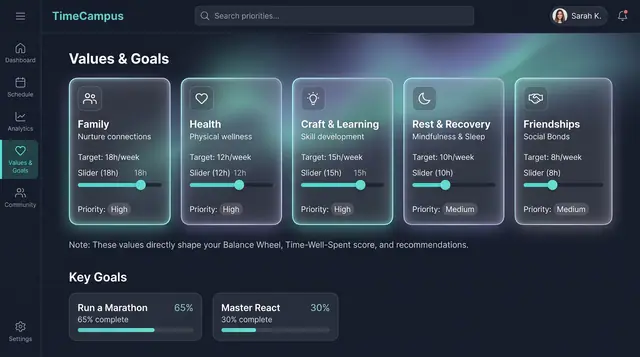
Values, Goals and Life Balance
Declare what matters and the weekly balance you want, then see how your real week compares, on desktop or phone.
3 illustrations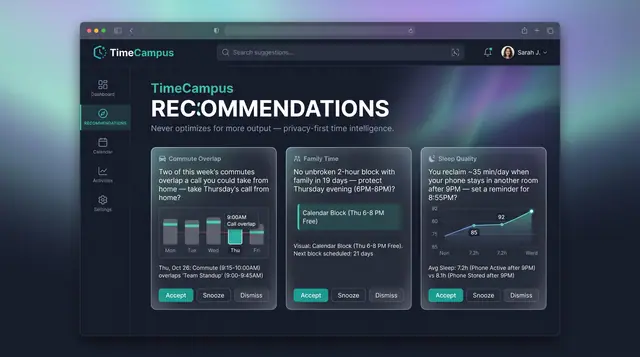
Values-Aware Recommendations
Personal, evidence-backed suggestions grounded in your own week, with guardrails that never push for more output.
2 illustrations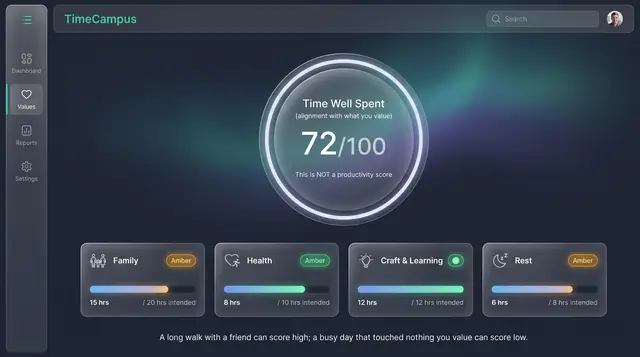
Time Well Spent Score
An alignment score that measures how closely your week matched what you value, not how much you produced.
2 illustrations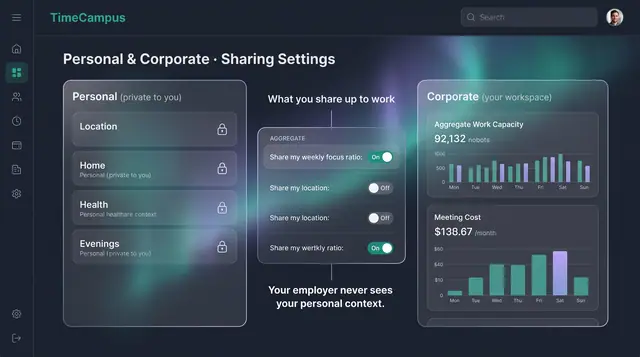
Privacy, Consent and Personal Boundaries
Decide what is captured, how long it is kept, and exactly what crosses from your personal life into your workspace.
3 illustrations
Part of an industry solution
This concept appears in a cross-product solution on burdenoff.com — see how it works alongside other Burdenoff products to solve a problem in that industry.