
Freelance Effective Hourly Rate Board
Hours captured, amounts invoiced and paid for each client side by side, with the hourly rate each engagement really earns.
These images are illustrations of the concept, not screenshots of the actual product.
Overview
Freelance Effective Hourly Rate Board is a TimeCampus concept for freelancers and independent consultants who want to know what each client relationship actually pays. It sets the hours TimeCampus captured beside the amounts invoiced and the money collected, and divides money collected by hours captured to show the effective hourly rate of every engagement, measured against the freelancer's own target rate.
In personal finance for the self-employed, the quoted rate and the earned rate drift apart quietly. A retainer absorbs hours beyond its cap, a fixed-fee project takes twice its estimate, hourly work goes unbilled and invoices wait weeks for payment. Each looks minor on its own, but together they decide real income per hour. The concept is designed to put all of it on one board, so a conversation about scope or rates starts from evidence.
The illustrated board, Effective rate by client, sits on the Clients page and covers the last ninety days, with filters for the period and the clients in view and a target rate field. Five tiles give hours captured, billable hours, invoiced, collected and the overall effective rate. The table lists each client with its arrangement, whether a retainer with an hours cap, a fixed fee, hourly or non-billable, along with captured hours, invoiced and collected amounts, the effective rate and a flag. Flags call out hours over the retainer cap, actual hours at twice the estimate, an unpaid balance with the days outstanding, hours not yet billed, and overhead for admin and sales time. A panel for the selected client compares estimated with actual hours and shows where the time went, such as workshops, revisions, calls and research. Clients and amounts are sample data.
The same panel shows the design's cross-product hand-offs with two other Burdenoff products. Invoice status is designed to come from ProServiceWorld, shown here as a part-paid invoice, and payments received are designed to come from BrainyRich, shown as a payment recorded there. A Send approved hours to ProServiceWorld button is designed to move approved time into invoicing, closing the loop from captured hours to invoice and payment.
What this concept shows
- Hours captured, billable, invoiced, collected and overall effective rate for a chosen period
- An effective hourly rate per client, calculated from money collected and hours captured
- A target rate field to compare each engagement against
- Client arrangements for capped retainers, fixed fees, hourly work and non-billable time
- Flags for hours over cap, actual hours against estimate, unpaid balances with days outstanding, unbilled hours and overhead
- A client panel with estimated against actual hours and an activity breakdown
- Invoice status from ProServiceWorld and payments recorded in BrainyRich
- A Send approved hours to ProServiceWorld action
How it works
- Open Effective rate by client, choose a period and the clients in view, and set a target rate.
- Read the totals for hours captured, billable, invoiced, collected and the overall effective rate.
- Scan each client's arrangement, effective rate and flag to find engagements earning below target.
- Select a client to compare estimated with actual hours and see where the time went.
- Check the ProServiceWorld invoice status and the payments recorded in BrainyRich.
- Send approved hours to ProServiceWorld for invoicing, or take the evidence into a scope or rate conversation.
Who it's for
- Freelancers and independent consultants
- Solo designers, developers and writers
- Fractional executives and advisors
- Small studio owners
Illustrations
1 illustration of this concept. Select one to view it full size.
Effective Hourly Rate by Client
This illustration shows the Effective rate by client board for the last ninety days, opened from Clients in the TimeCampus sidebar. Beside the board title sit period and client filters and a target rate field. Five tiles give hours captured, billable hours, invoiced, collected and the overall effective rate, with sample amounts in rupees. The table lists five rows with columns for client, arrangement, captured, invoiced, collected, effective rate and flag. Flags read over cap on a capped retainer, twice the estimate on a fixed-fee project, an unpaid balance with its days outstanding on an hourly client, unbilled hours on another, and overhead on non-billable admin and sales time. The selected fixed-fee client opens a side panel with estimated against actual hours, an activity breakdown across workshops, revisions, calls and research, a part-paid ProServiceWorld invoice, a payment recorded in BrainyRich and a Send approved hours to ProServiceWorld button. Clients and amounts are sample data.
Topics
- effective hourly rate calculator
- freelance income per client
- freelancer time tracking
- client profitability for freelancers
- unbilled hours tracking
- fixed fee vs actual hours
- retainer overage tracking
- unpaid invoice tracking
- freelance rate analysis
- self-employed time and income
Related concepts
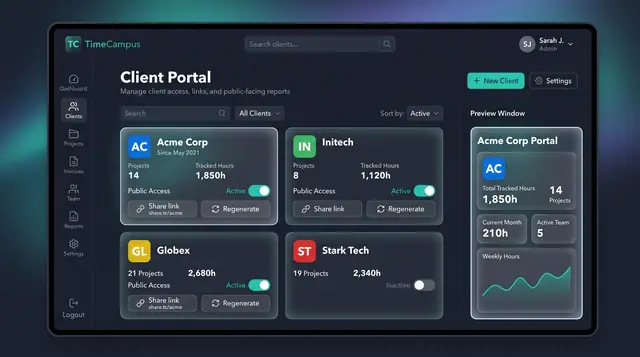
Client Portal and Share Links
Give each client a public view of tracked hours and projects, controlled by a toggle and a share link you can regenerate.
1 illustration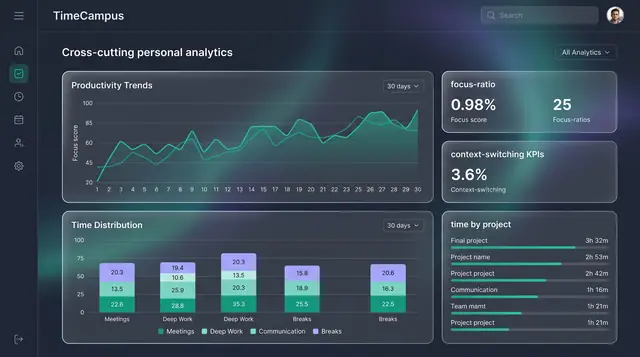
Personal Analytics and Reports
Turn captured time into trends, time distribution and project totals, then export the findings as ready-made reports.
2 illustrations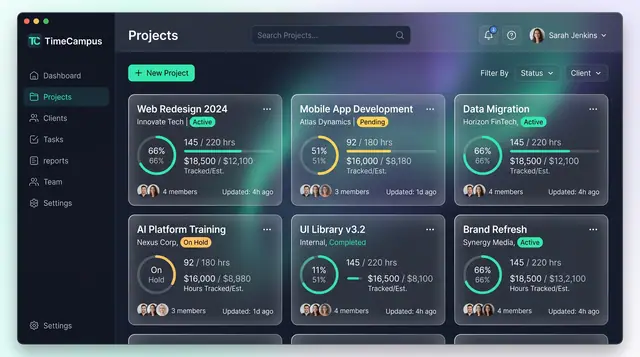
Projects and Tasks
Projects, budgets and task lists tied to the hours actually spent, so progress and burn are read from the same record.
3 illustrations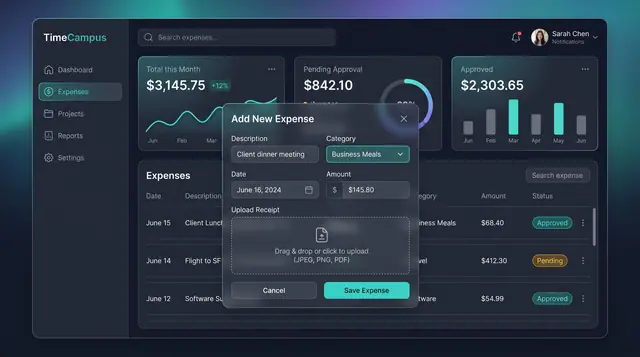
Expenses, Timesheet Approvals and Review
Log expenses with receipts, approve or reject submitted timesheets, and settle questions in a review thread beside the work.
3 illustrations
Part of an industry solution
This concept appears in a cross-product solution on burdenoff.com — see how it works alongside other Burdenoff products to solve a problem in that industry.