
Teacher Planning Time and Grading Load
A department view of kept planning time, meetings and grading windows, built from aggregate data and never individual monitoring.
These images are illustrations of the concept, not screenshots of the actual product.
Overview
Teacher Planning Time and Grading Load is a TimeCampus concept for department chairs, principals and deans that answers one question: are teachers getting the planning and grading time the schedule promises? The design is meant to combine calendar-derived meeting and coverage-duty load with grading windows from BuildMyIQ, another Burdenoff product, and to show leaders only department-level aggregates, while each teacher's own timeline stays private to them.
In a school, planning periods are easy to promise and easy to erode. A committee meeting lands in a free period, a coverage duty takes another, and grading drifts into the evening, especially in weeks when a stack of essays is due back. Leaders often see this only when morale suffers, and the usual ways of finding out, surveys or individual tracking, are either slow or intrusive. The concept is designed to show the pattern from aggregate data, in keeping with TimeCampus's no-screenshots, no-keystroke-logging design.
The illustrated Planning Time page covers one department for one week and carries a label stating that all data is aggregate, not individual. Four tiles give planning time kept against the time scheduled, the number of meetings that fell in planning periods, the share of grading done after six in the evening with an upward arrow, and submissions awaiting feedback. A stacked bar chart for each weekday splits planning periods into planning, professional learning community (PLC) meetings, coverage duty and grading. A Workload signal card notes that after-hours grading has stayed high for three weeks and that a committee meeting falls in a planning period, and offers two concrete responses: Propose meeting move and Protect grading blocks. All figures are sample data.
The Grading windows from BuildMyIQ table is the cross-product link. For each assessment it lists the sections, the submissions, the date feedback is due and how many protected grading blocks are booked, with badges for an assessment with none booked and one that is auto-graded. BuildMyIQ is designed to supply those windows so that TimeCampus can help each teacher reserve protected grading blocks before the work spills into evenings. The concept builds on TimeCampus work patterns and calendar capture.
What this concept shows
- Planning time kept against planning time scheduled, for one department and week
- A count of meetings that landed in planning periods
- The share of grading done after six in the evening, with a trend arrow
- Submissions awaiting feedback across the department
- A daily stacked chart of planning, PLC meetings, coverage duty and grading
- A workload signal with Propose meeting move and Protect grading blocks actions
- Grading windows from BuildMyIQ with sections, submissions, feedback due dates and protected blocks booked
- An all-aggregate label and a note that each teacher's own timeline stays private
How it works
- Open Planning Time under Insights for a department and week.
- Compare planning time kept with the time scheduled and count the meetings that fell in planning periods.
- Read the daily split of planning, PLC meetings, coverage duty and grading.
- Check the workload signal when after-hours grading stays high.
- Propose moving a meeting out of a planning period, or protect grading blocks.
- Review the grading windows from BuildMyIQ and see which assessments still have no protected blocks booked.
Who it's for
- Department chairs and heads of department
- School principals and assistant principals
- Deans and academic leaders
- Teachers planning their own grading time
- District instructional leaders
Illustrations
1 illustration of this concept. Select one to view it full size.
Department Planning Time Dashboard
This illustration shows the Planning Time page, opened from Insights in the TimeCampus sidebar beside Dashboard, Work Patterns, Calendar and Settings, with a Work Pattern selector in the corner. The header names an English department, its teacher count and the week, with a label stating all data is aggregate, not individual. Tiles give planning time kept against scheduled, meetings in planning periods, the share of grading after six in the evening with an upward arrow, and submissions awaiting feedback. Planning periods this week stacks each weekday into planning, PLC meetings, coverage duty and grading. A Workload signal card reports after-hours grading high for three weeks and a committee meeting in a planning period, with Propose meeting move and Protect grading blocks buttons. Grading windows from BuildMyIQ lists assessments by grade or course with sections, submissions, feedback due dates and protected blocks booked, including not booked and auto-graded badges. A line beneath notes each teacher's timeline stays private. Figures are sample data.
Topics
- teacher workload tracking
- teacher planning time
- grading workload
- protect teacher planning periods
- teacher burnout prevention
- school workload analytics
- coverage duty tracking
- department workload dashboard
- grading time management
- teacher wellbeing
Related concepts
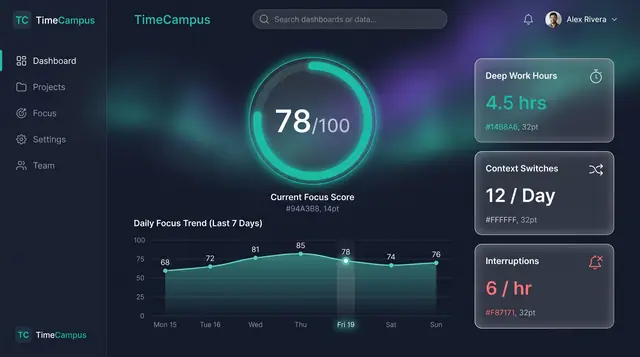
Focus Score and Work Patterns
A single focus score, the deep-work and interruption figures behind it, and the weekly rhythm that explains both.
2 illustrations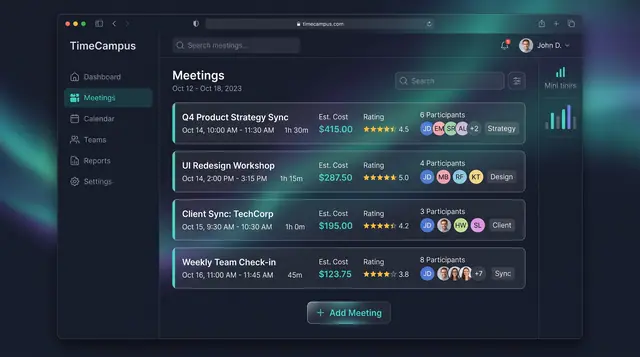
Meeting Cost and Load
See what every meeting costs in hours and money, rate its value, and watch weekly meeting load before it crowds out focus.
3 illustrations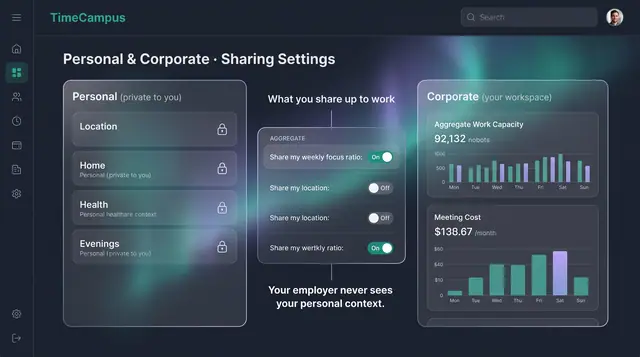
Privacy, Consent and Personal Boundaries
Decide what is captured, how long it is kept, and exactly what crosses from your personal life into your workspace.
3 illustrations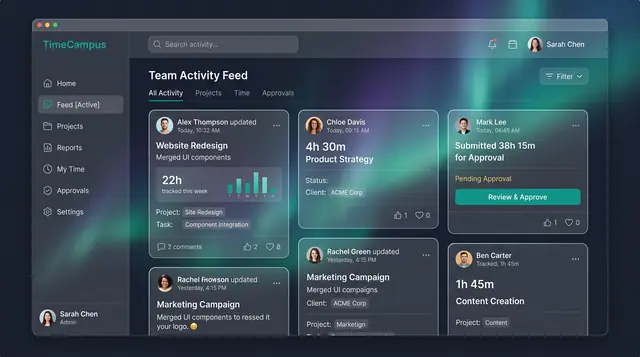
Team Activity and Capacity Planning
Follow what the team is working on, read aggregate time and meeting load, and plan allocations week by week against real capacity.
3 illustrations
Part of an industry solution
This concept appears in a cross-product solution on burdenoff.com — see how it works alongside other Burdenoff products to solve a problem in that industry.