
Agency Retainer Burn and Over-Servicing
See each client retainer's hours against the month's allowance, what is eating it, and when to raise the conversation.
These images are illustrations of the concept, not screenshots of the actual product.
Overview
Agency Retainer Burn and Over-Servicing is a TimeCampus concept for agencies, consultancies and accounting practices that sell client work as a monthly allowance of hours. Captured and confirmed hours are designed to roll up per client against the retainer and by workstream, so an account director sees burn in the middle of the month rather than at invoicing. The same view is meant for marketing and advertising teams running content, campaign and paid media retainers.
Over-servicing rarely arrives as one large overrun. It builds from extra revision rounds, reports that take longer than planned and small favors nobody records as out of scope, and by the time the invoice is prepared the hours are sunk and the conversation with the client is harder. The concept is designed to surface that drift while there is still time to act, and to count extra rounds alongside the hours they took.
The illustrated client page names the client, its monthly retainer hours and the month, with an over-servicing badge and Share summary and Edit retainer buttons. A burn bar shows hours used against the allowance, the percentage consumed and the working days left. Tiles split hours used into in scope and out of scope and count extra revision rounds. A Where the hours went table lists workstreams, such as a social content calendar, a campaign video, paid media management and monthly reporting, with hours, allowance and an on-track or over status. A Weekly burn chart traces the month week by week. The client, workstreams and figures are sample data.
Two other Burdenoff products appear on the page as design intent. A Revision rounds from ArtistryBase panel lists rounds read from ArtistryBase, which is designed to flag a round beyond those included in the scope of work at the moment it is requested; in the sample, two later rounds of a campaign video are flagged with their request dates. When the retainer runs over, a Suggested next step card sums up the out-of-scope revisions and reporting hours and offers Send to ProServiceWorld pre-bill or Discuss with client first. TimeCampus is designed to draft that out-of-scope summary, and ProServiceWorld to apply the client's rate on the pre-bill. The view builds on TimeCampus projects and captured time and stays per client and per workstream, never per person.
What this concept shows
- Retainer burn bar with hours used against the monthly allowance, percentage consumed and working days left
- An over-servicing badge on a client whose retainer has run past its allowance
- Hours used split into in scope and out of scope, with a count of extra revision rounds
- A Where the hours went table of workstreams with hours, allowance and on-track or over status
- Revision rounds read from ArtistryBase, each extra round flagged on the date it was requested
- A weekly burn chart across the month
- A suggested next step with Send to ProServiceWorld pre-bill or Discuss with client first
- Views per client and per workstream, with no per-person breakdown
How it works
- Open a client from Clients to see the month's retainer, hours used against the allowance and the working days left.
- Read the in-scope and out-of-scope split and the count of extra revision rounds.
- Check Where the hours went to find the workstreams running over their allowance.
- Review the revision rounds from ArtistryBase to see when each round beyond the included number was requested.
- Read the suggested next step and send the out-of-scope hours to a ProServiceWorld pre-bill, or discuss them with the client first.
- Share a summary, or adjust the retainer with Edit retainer.
Who it's for
- Agency account directors and client service leads
- Consultancy engagement managers
- Agency finance and operations leads
- Marketing and advertising account teams
- Studio and practice owners
Illustrations
1 illustration of this concept. Select one to view it full size.
Client Retainer Burn and Over-Servicing
This illustration shows a client page opened from Clients in the TimeCampus sidebar. The header names a sample client, its monthly retainer hours and the month, with an over-servicing badge and Share summary and Edit retainer buttons. A wide bar shows hours used against the allowance, the share consumed and working days left. Four tiles give hours used, in scope, out of scope and extra revision rounds. The Where the hours went table lists four workstreams with hours, allowance and status. Revision rounds from ArtistryBase records when later rounds of a campaign video were flagged and the hours since the last included round, plus a carousel set approved within allowance. A Suggested next step card notes that two video rounds exceed those included and reporting ran over, totals the out-of-scope hours, notes the rate is applied in ProServiceWorld, and offers Send to ProServiceWorld pre-bill or Discuss with client first. The same card ends with a Weekly burn line chart across four weeks. Figures are sample data.
Topics
- agency retainer tracking
- retainer burn report
- over-servicing clients
- out-of-scope work tracking
- retainer hours vs allowance
- revision rounds tracking
- agency scope creep
- client retainer utilization
- agency time tracking
- monthly retainer hours
Related concepts
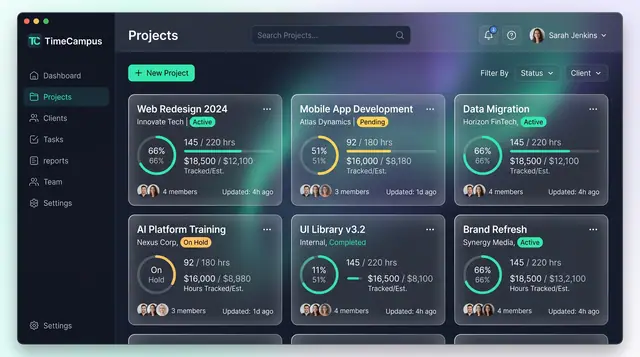
Projects and Tasks
Projects, budgets and task lists tied to the hours actually spent, so progress and burn are read from the same record.
3 illustrations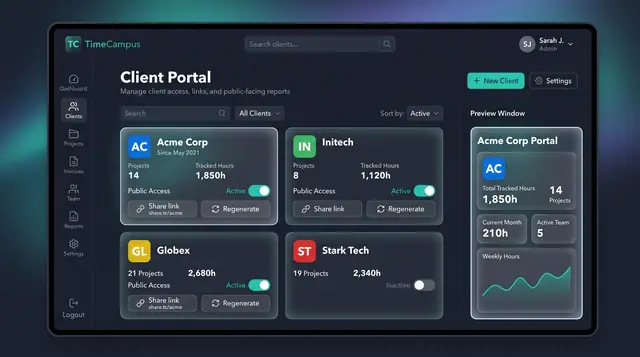
Client Portal and Share Links
Give each client a public view of tracked hours and projects, controlled by a toggle and a share link you can regenerate.
1 illustration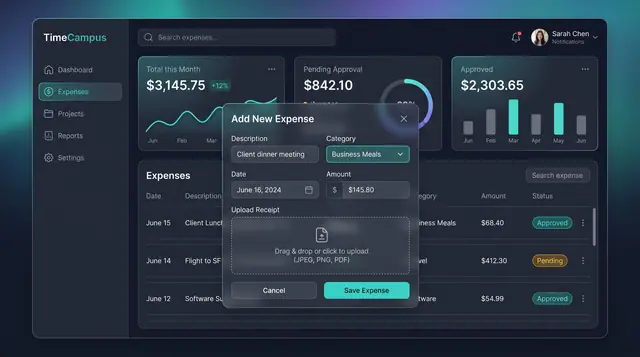
Expenses, Timesheet Approvals and Review
Log expenses with receipts, approve or reject submitted timesheets, and settle questions in a review thread beside the work.
3 illustrations
Team Activity and Capacity Planning
Follow what the team is working on, read aggregate time and meeting load, and plan allocations week by week against real capacity.
3 illustrations
Part of industry solutions
This concept appears in cross-product solutions on burdenoff.com — see how it works alongside other Burdenoff products to solve a problem in that industry.

Industry solution
Consulting, Accounting & Agencies
Shows hours used against the monthly retainer by workstream, lists the extra rounds flagged in ArtistryBase with the hours they took, and hands an out-of-scope summary to ProServiceWorld.
See the solution(opens in a new tab)
Industry solution
Marketing & Advertising
Shows retainer hours by client and job beside contracted and used revision rounds, and flags work the moment it moves out of scope.
See the solution(opens in a new tab)